
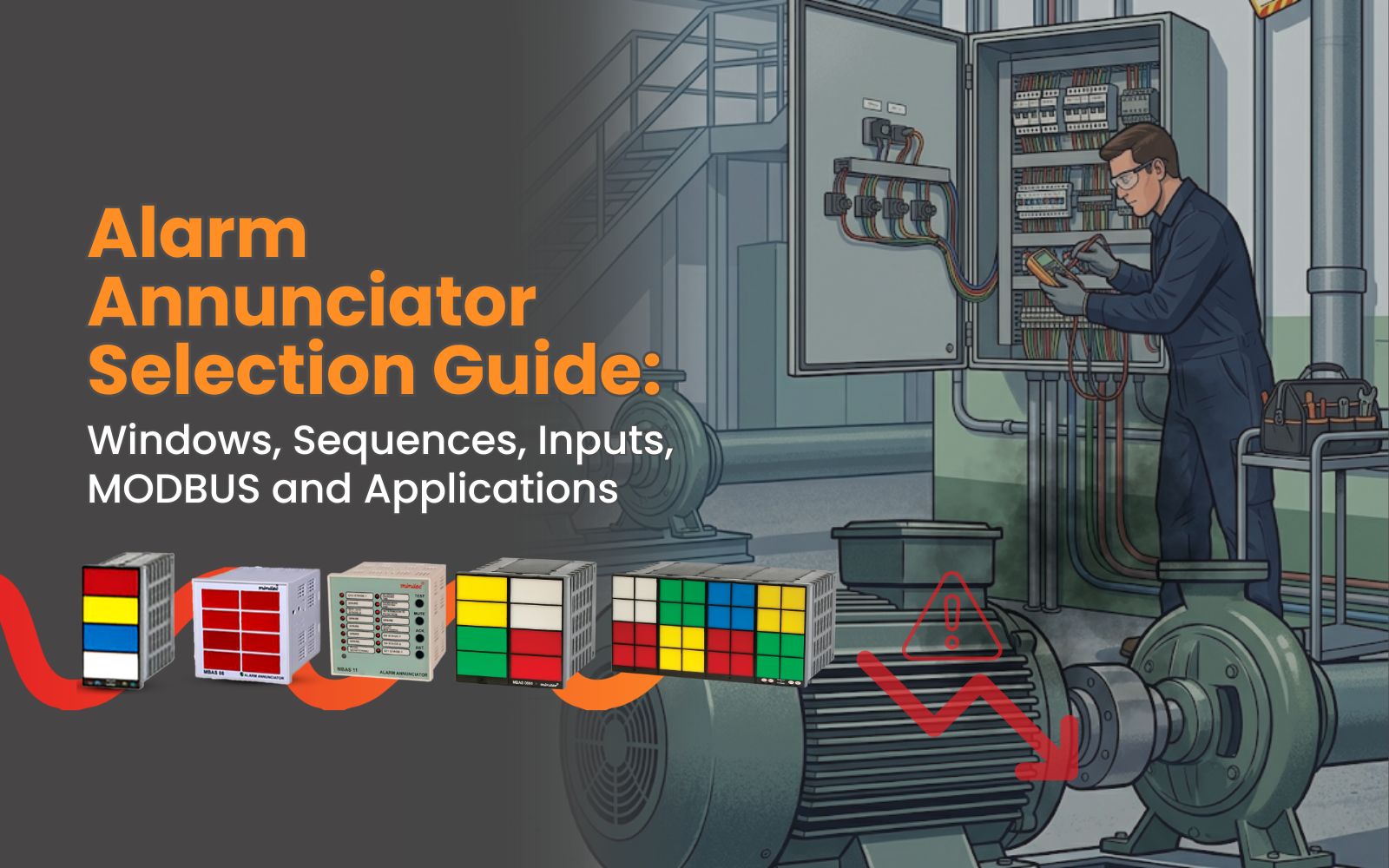
A fault happens inside a plant.
A pump trips. A feeder fails. A temperature limit is crossed. A breaker changes status. The system sends a signal.
But now the real question begins. Will the operator notice it clearly? Will the right fault be identified quickly? Will the response be fast enough?
This is where an alarm annunciator becomes important.
An alarm annunciator is not just a display unit. It is the first layer of fault communication between the system and the operator. It tells the team what has happened, where attention is needed, and how urgent the response should be. But to get this right, the annunciator must be selected properly.
Number of Windows
Start with the number of windows. The first selection point is the number of alarm windows. Each window represents one fault or event.
For a small panel, 4 or 6 windows may be enough. For larger systems, the requirement may go up to 16, 24, 32 or even 48 windows.
Do not select the window count only for today’s alarms. Think about future expansion too. If more alarms may be added later, it is better to plan the window count accordingly. Otherwise, the panel may need modification again.
Understand the alarm sequence
Every plant does not respond to alarms in the same way.
Some alarms need acknowledgement. Some need reset. Some should remain visible until the fault is cleared. Some may need audible alerts. This is why alarm sequence selection matters. The sequence defines how the annunciator behaves when a fault occurs, when the operator acknowledges it, and when the fault returns to normal.
A wrong sequence can create confusion. A correct sequence makes fault response smoother.
Check the input type
Before selecting the annunciator, check the signal coming from the field or panel.
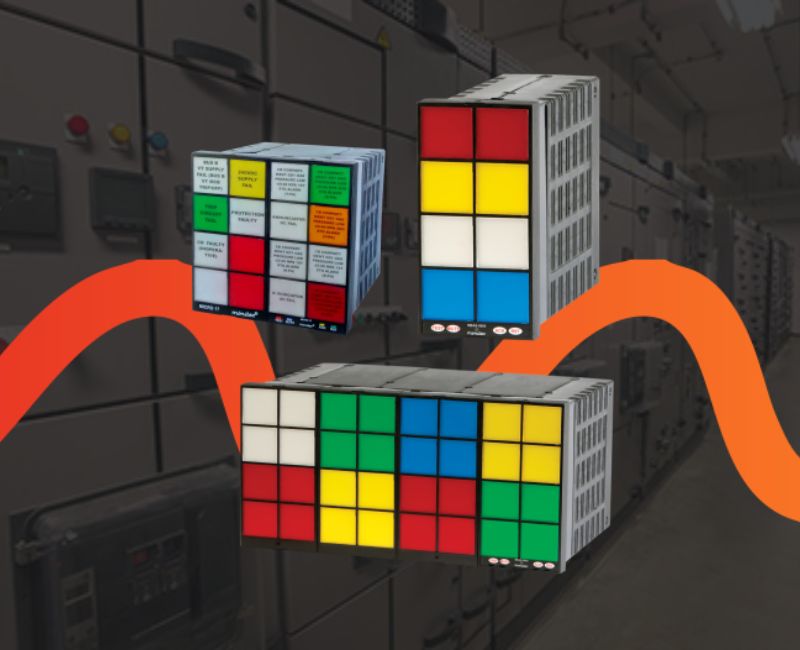
Image with Multiple window annunciators
Is it a potential-free contact? Is it a powered input? What is the voltage level? Is the input coming from a relay, PLC, sensor or breaker contact?
Input mismatch can create commissioning problems. It can also delay the project at site.
The annunciator should match the actual input conditions of the application.
Decide whether communication is needed
In many modern panels, alarms are not limited to local indication.
The plant may want alarm data to be available on SCADA, PLC or a central monitoring system. In such cases, communication options like MODBUS can be useful.
MODBUS helps transfer alarm information digitally. This supports better visibility, logging and remote monitoring.
If the plant needs integration today or in future, communication should be considered during selection.
Match the annunciator to the application
Alarm annunciators are used in substations, process plants, utilities, control panels, pumping systems, power distribution and many other applications. Each application has different fault priorities.
A substation may need breaker and feeder alarms. A process plant may need temperature, pressure and safety alerts. A pump panel may need dry run, overload or level-related alarms.
The right annunciator is selected only when the application is clearly understood.
A good alarm annunciator does not only shows faults. It reduces confusion. It improves response. It helps operators act faster.
When every second matters, alarm clarity becomes a part of system protection.
Choose the annunciator based on windows, sequence, inputs, communication and application.
Faults need clarity. Not confusion.